

- Groups
- Views
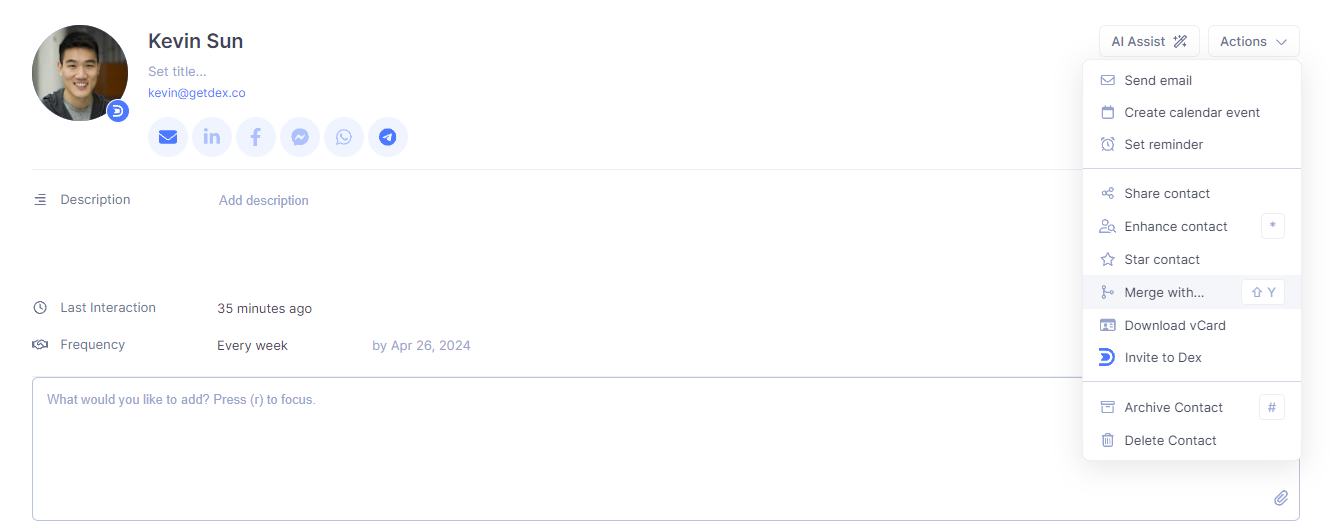
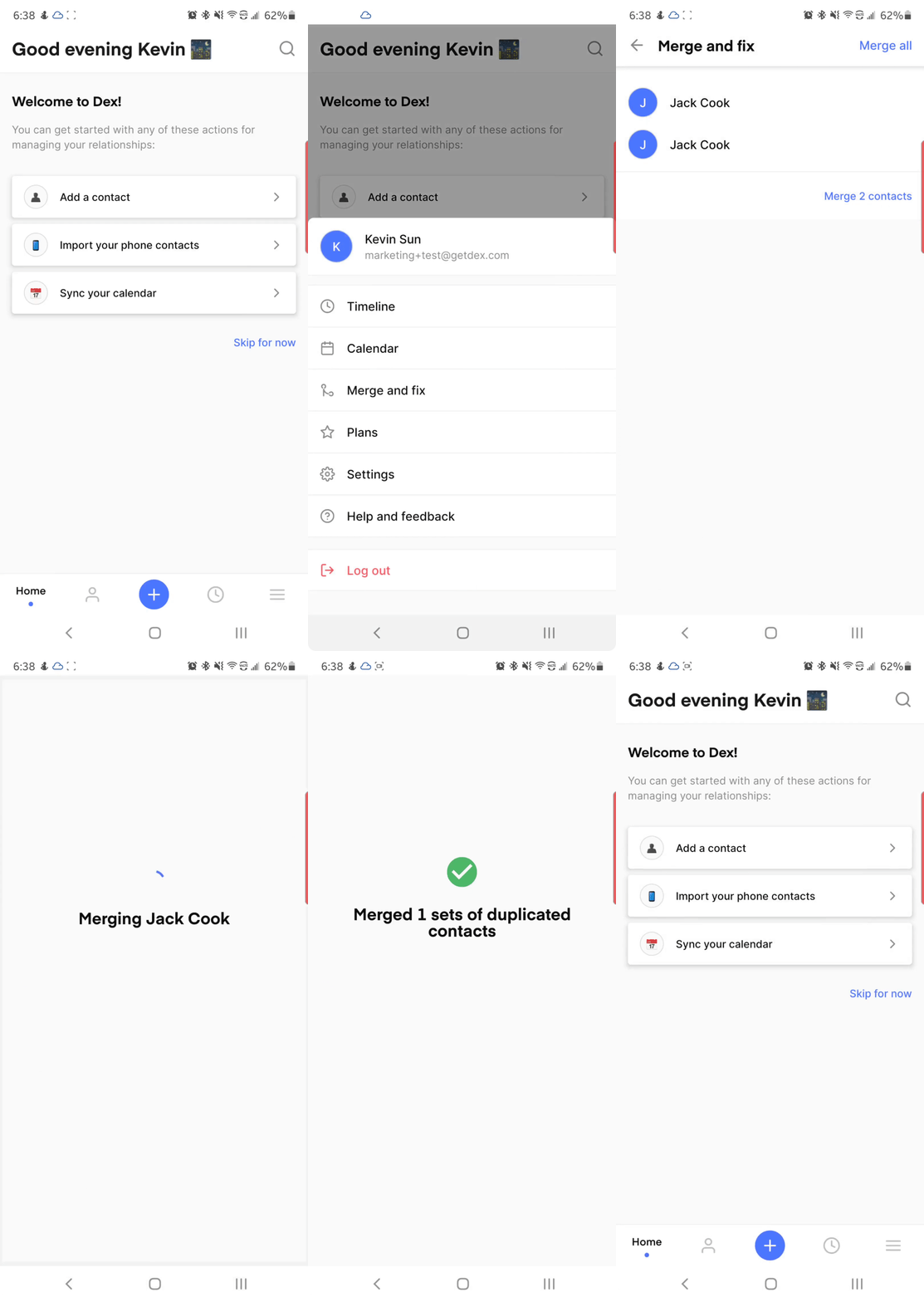
- Merge and Fix
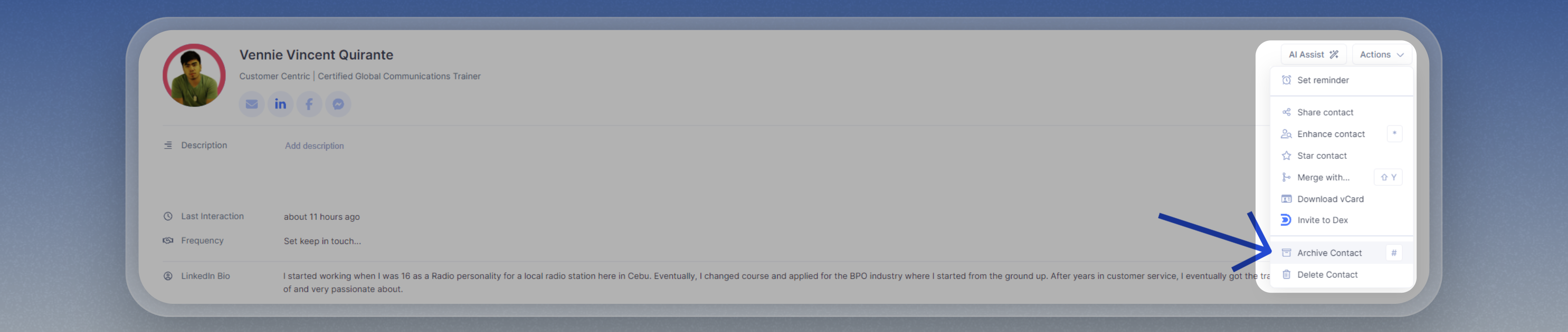
- Archived Contacts
You can view and manage your contacts by grouping them in Dex.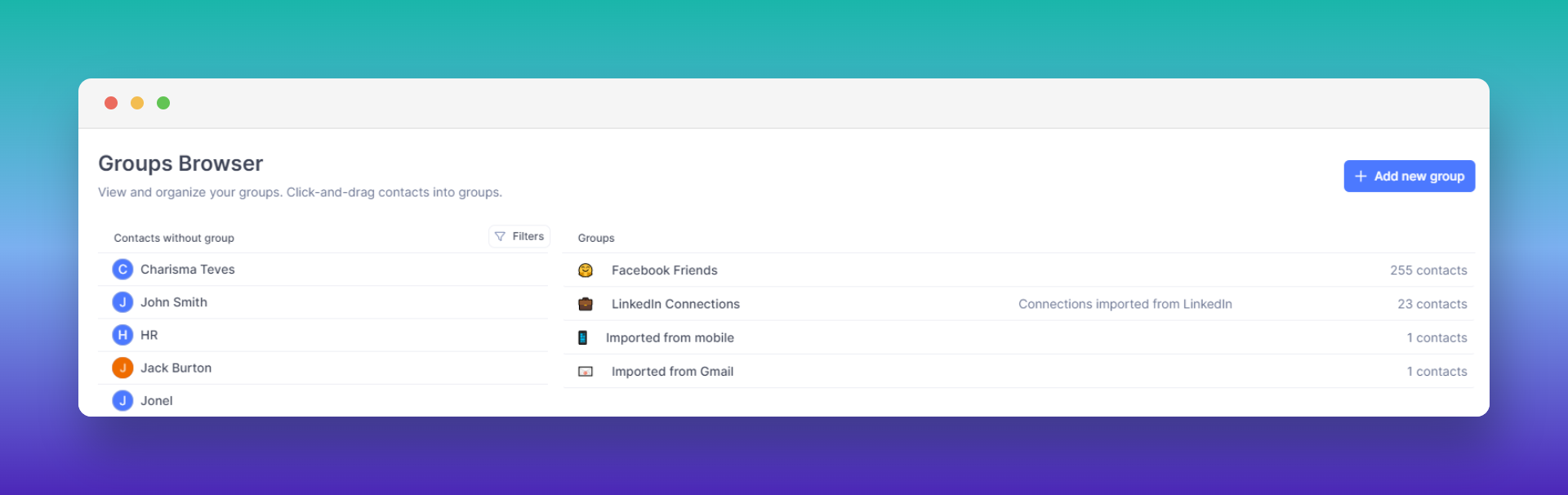
Groups Page
You can access the Groups page through the shortcut key G + D.On this page, you can create, edit, or delete a group or assign existing or new contacts to a group by drag-and-drop.Subgroups
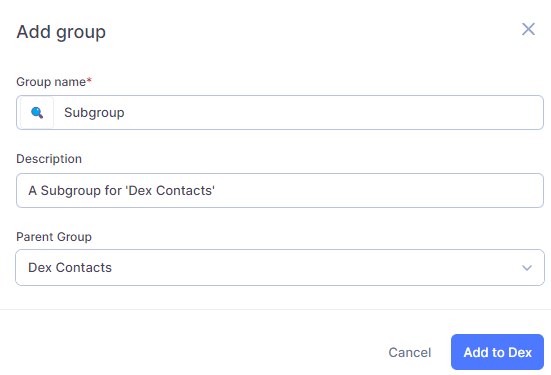
Need to specify the groups more? Create a subgroup for your groups!Simply click on the ’+ Add new group’ button and assign it to a Parent Group!FAQ
How do I move contacts from one group to another?
How do I move contacts from one group to another?
You can move contacts in bulk by reassigning them to a new group.To move all contacts from one group to another:
- Go to Groups.
- Click on the group you want to move contacts from.
- Select all contacts in that group
- Use the checkbox at the top of the list, or
- Use the keyboard shortcut to multi-select.
- Click Add to Group (top-right).
- Select the new group you want to move them to.
- Once all contacts are assigned to the new group, return to the original group and delete it if it’s no longer needed.
Contacts can belong to multiple groups in Dex. If you want to fully “move” them (instead of adding them to an additional group), make sure to delete the old group after reassignment.





.png?fit=max&auto=format&n=6GF024oGPUvhzA8C&q=85&s=dc94bc22ac7097e50121de0914f1f007)




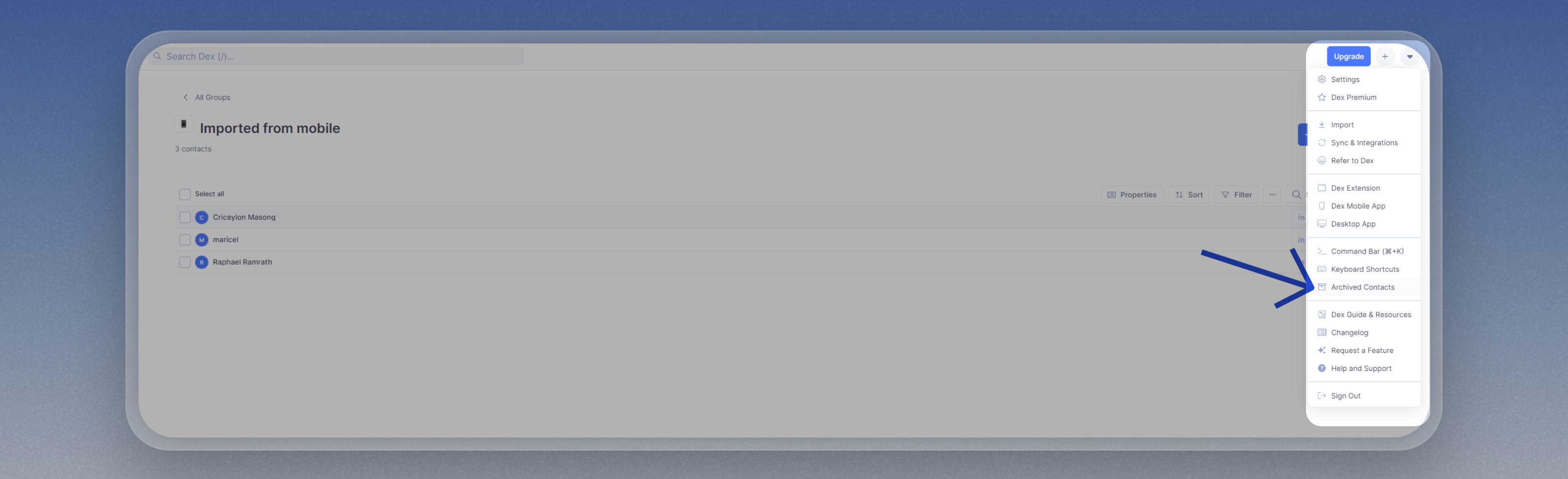 This is where you can restore your contacts by simply clicking on the ‘Restore’ button after selecting the contacts.