
💡If you run into any issues or have feedback, please reach out to us at feedback@getdex.com.
Ways to create a new note:
- Press
Non the homepage to instantly start a new note - Click the “New” button from anywhere in Dex
- NEW Dex Action Button: Open the Shortcuts app, create a new shortcut using the “Open composer” action, then go to Settings → Action Button, scroll to Shortcuts, and select it. One press opens the Dex note composer instantly.
Once you’re in the flow:
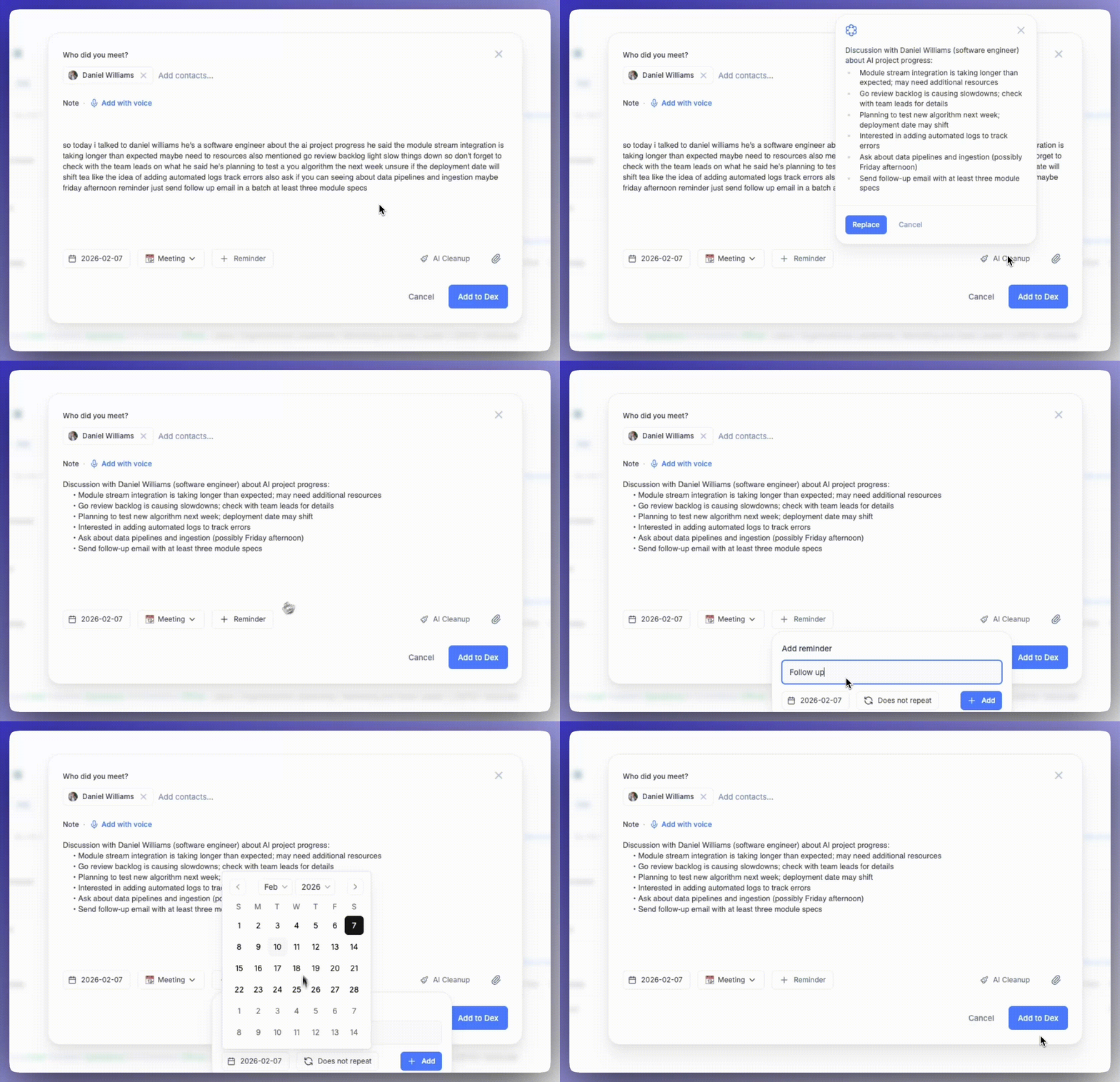
- Default note types help you organize notes the moment you create them
- Add reminders while creating a note so follow-ups don’t get forgotten
- Full-tab note experience gives you a focused, distraction-free workspace
Add notes with voice + AI cleanup
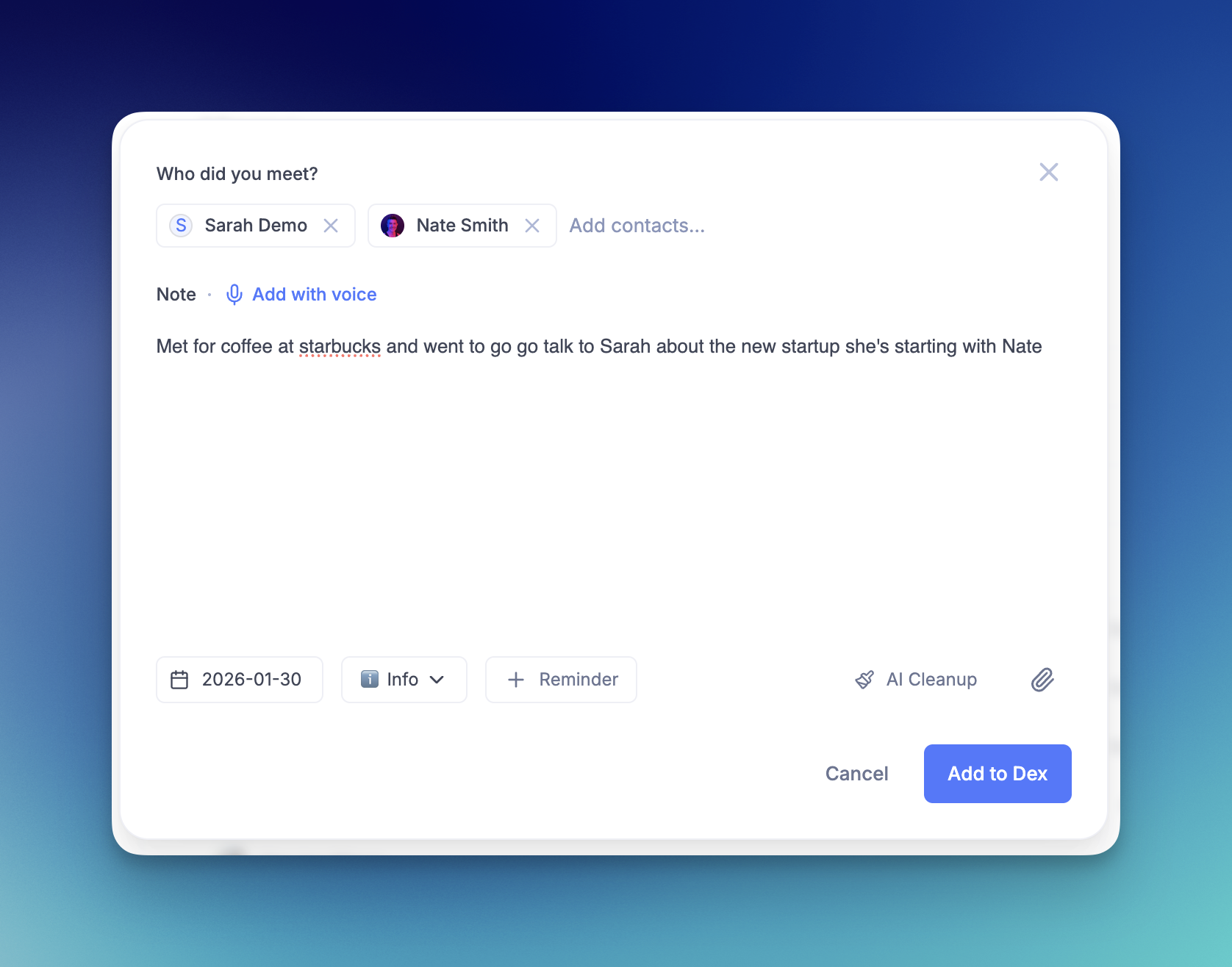
Capture notes hands-free as part of the new note creation flow.Ways to add voice notes:
- Press
Non the homepage , then choose “Add with voice” - Use voice input while creating a note on desktop or mobile
- NEW Open the composer via the Action Button, then tap the mic and choose “Add with voice”
What happens next:
- Dictate notes by voice while creating a note
- AI Cleanup automatically formats long transcripts for readability while preserving important details